
Examine the workshop files
In this section you briefly review the project resources that are deployed for the workshop.
We will use Amazon Q Developer project rules to drive the AI-DLC process.
Project Rules are a way to build a library of coding standards and best practices that are automatically used as context when interacting with the assistant.
These rules are defined in Markdown files stored in your project’s .amazonq/rules folder. Once created, they automatically become part of the context within your project, maintaining consistency across team members regardless of their experience level.
By storing these rules in your project, you can ensure consistency across developers, regardless of their experience level.
The AI-DLC files have been deployed in the .amazonq folder, and consist of markdown files which are used as context when interactive with Kiro on the command line.
Explore the markdown files in the .amazonq and sub folders to understand how these rules will ensure that your project follows the AI-DLC methodology.
- Select the Explorer icon in the View panel to examine the files downloaded.
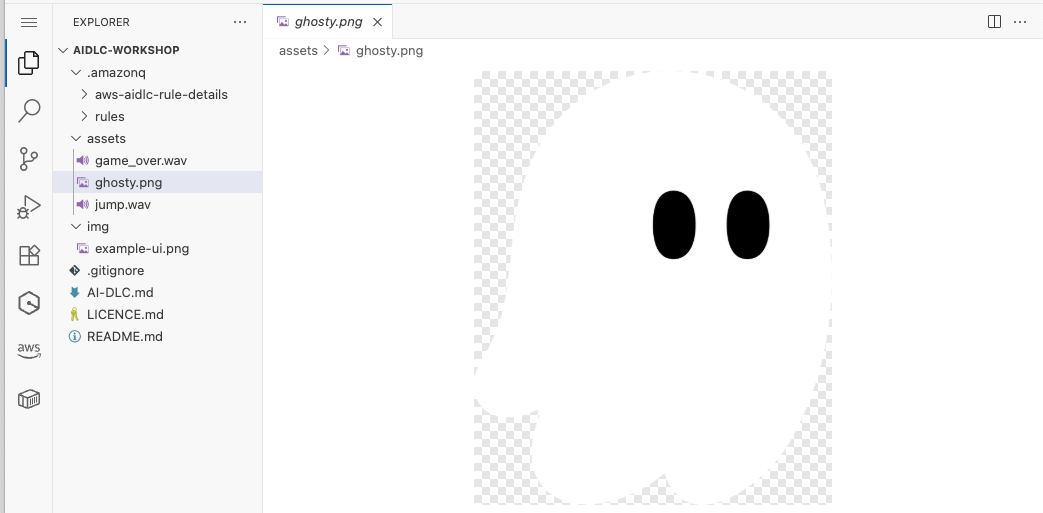
The assets folder is a game resources directory containing:
ghosty.png- Character sprite image for the game.game_over.wav- Audio file for game over sound effect.jump.wav- Audio file for jump sound effect.
The img folder contains example-ui.png, an example of the Flappy Kiro game interface.
You have examined the files provisioned for the workshop. Next you will create an application using the AI-DLC workflow.